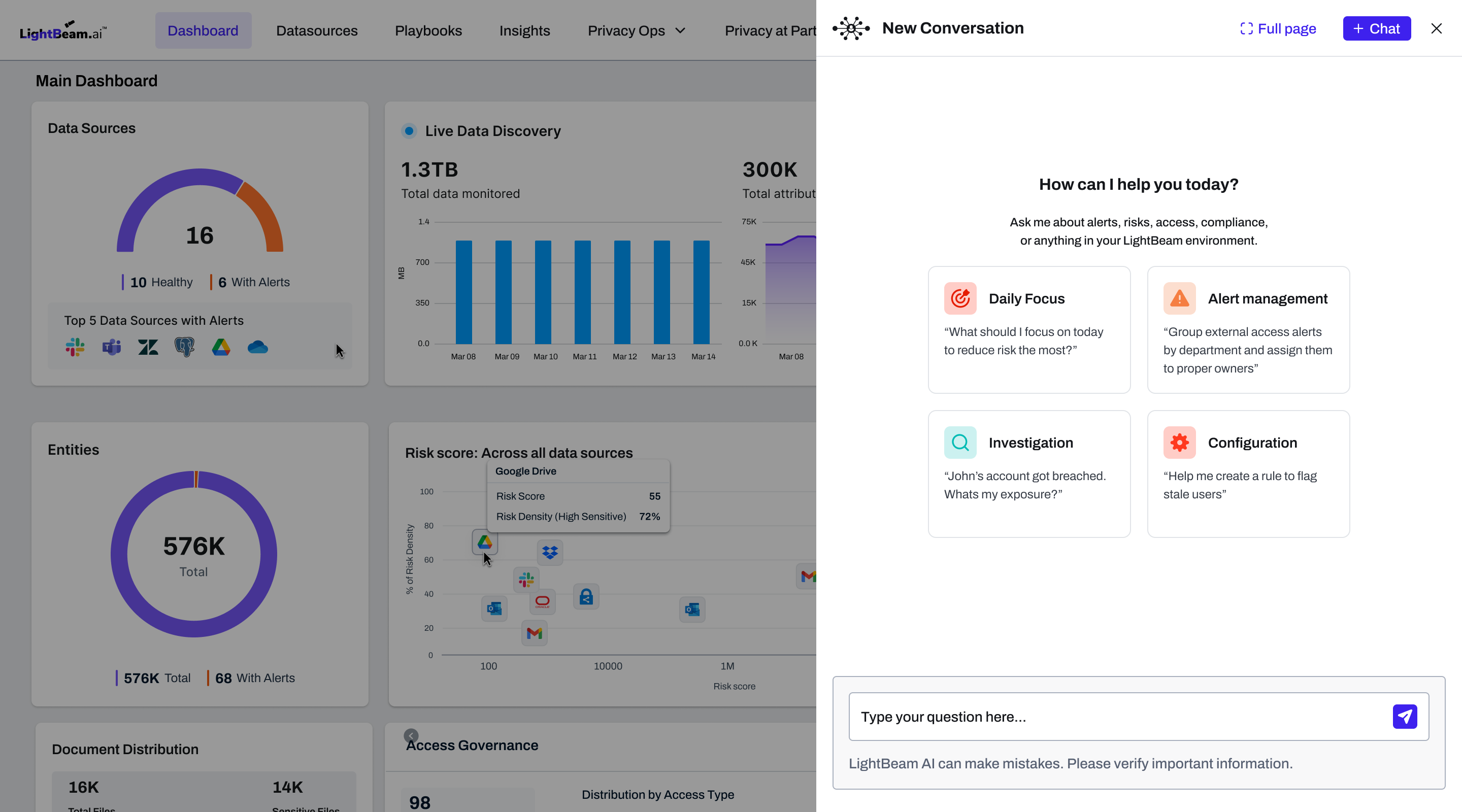
PROTOTYPE
Not shipped. I designed it and vibe coded the whole thing myself.
SIMULATED LLMREAL APISSALES · CONFERENCES · INVESTORS
People now ask AI in plain English.
Enterprise software still makes them click around to find answers.
LightBeam has dense, information-rich pages with insights spread across multiple workflows. We set out to see if we could bridge the gaps and allow users to seek information quickly and simply.
GOAL 01Reduce time to insightQuery across workflows to troubleshoot, assess and triage.
GOAL 02Make users more productiveSurface priorities and changes without dashboard-hopping.
GOAL 03Simplify complex tasksGuide configuration with smart suggestions, less support.
GOAL 04Augment, not replaceAn intelligence layer on top of the existing UI.
The problemOne question, hours of work.
A privacy officer gets a call“The company’s Google Drive account is breached. What is potentially at risk?”
To answer
5–6screens to check, each on one slice of privacy
2–3CSVs to export as evidence
Hourscorrelating the data by hand
ApproachThree steps to a useful assistant
STEP 01Understand the domainI tried to build a comprehensive list of questions users might ask.
230use cases across the platform
4user archetypes: DPO, security, IT admin…
74high-value queries, by frequency and impact
Key insight
One-offsDaily ritualsEmergencies
Not all queries are equal, so responses can’t be either.STEP 02Design AI behaviour, not just UIMost AIs reply in walls of text. I designed responses around UX patterns.
Layered answers
- 01Text and tables
- 02Evidence
- 03Supplementary blocks
- 04Follow-up actions and suggestions
Key insightText first is faster and less overwhelming. Rely on this whenever possible.
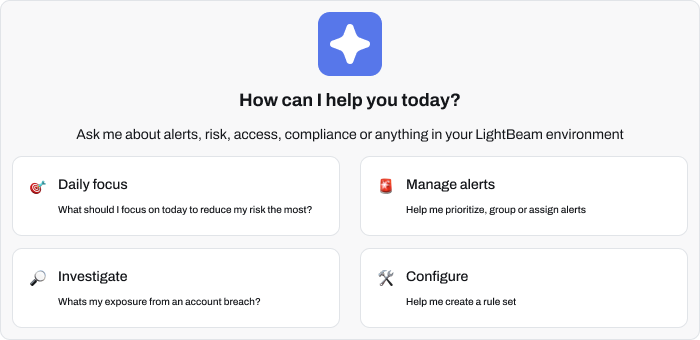
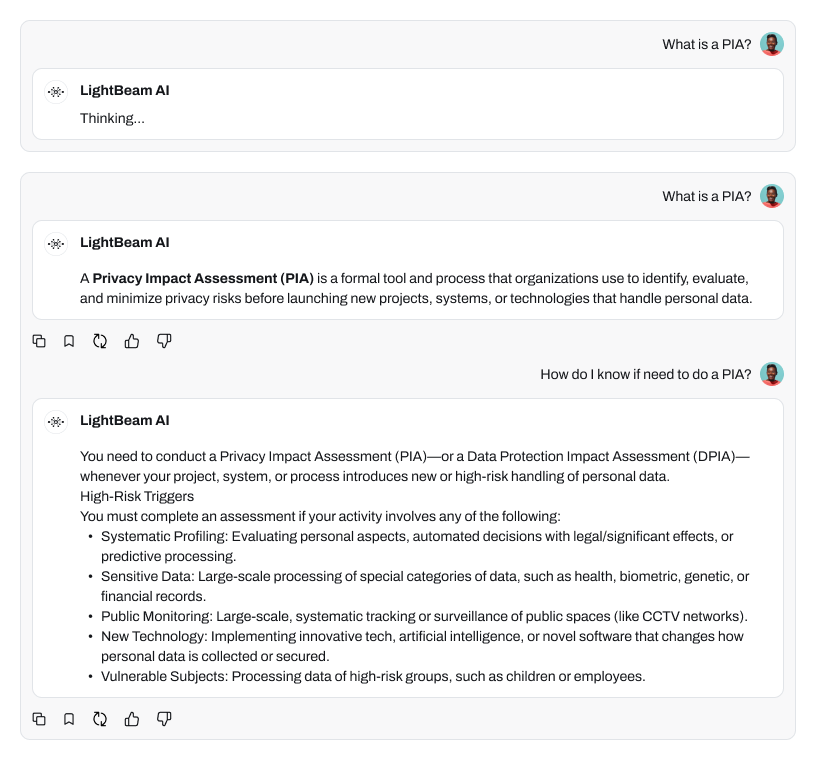
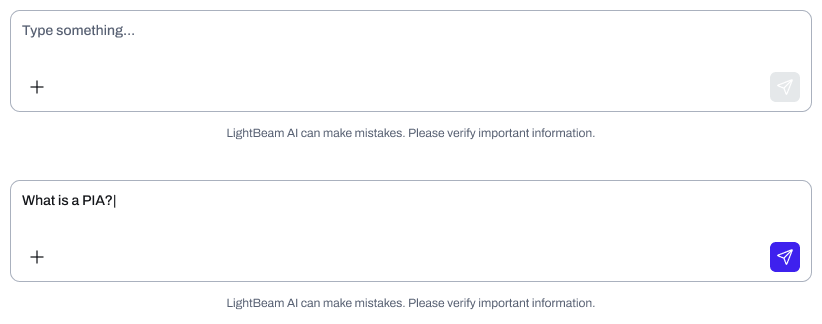
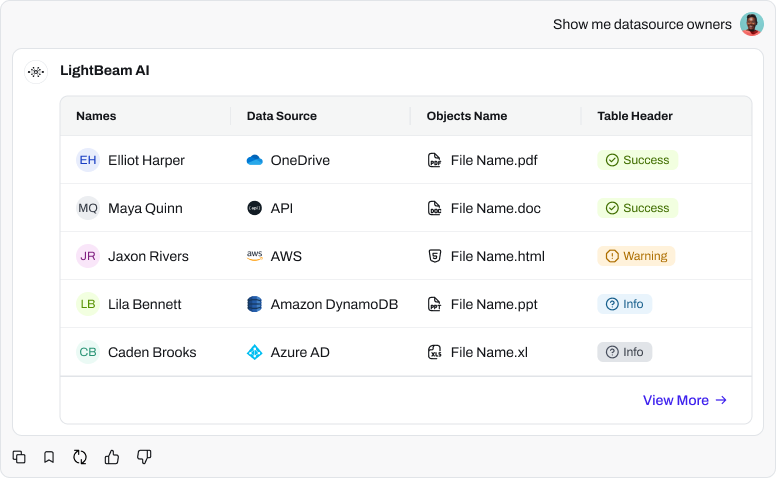
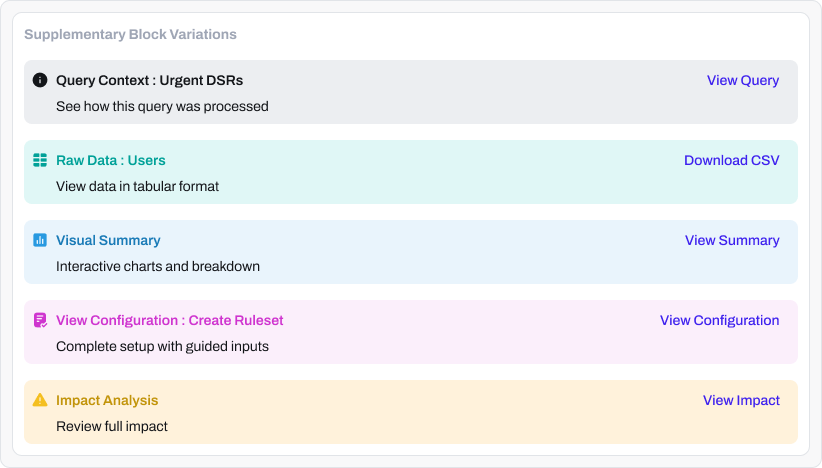
A few of the components behind the chat interface
STEP 03Handle complexityThe hardest queries are the most valuable. Collapse them into one response and AI proves its worth.
“What’s wrong with Google Drive?”
5–6 screens + CSVs→1 response
Via “mega prompts” that synthesise across screensKey insightSynthesis is the superpower, and the hardest thing to train the LLM on.
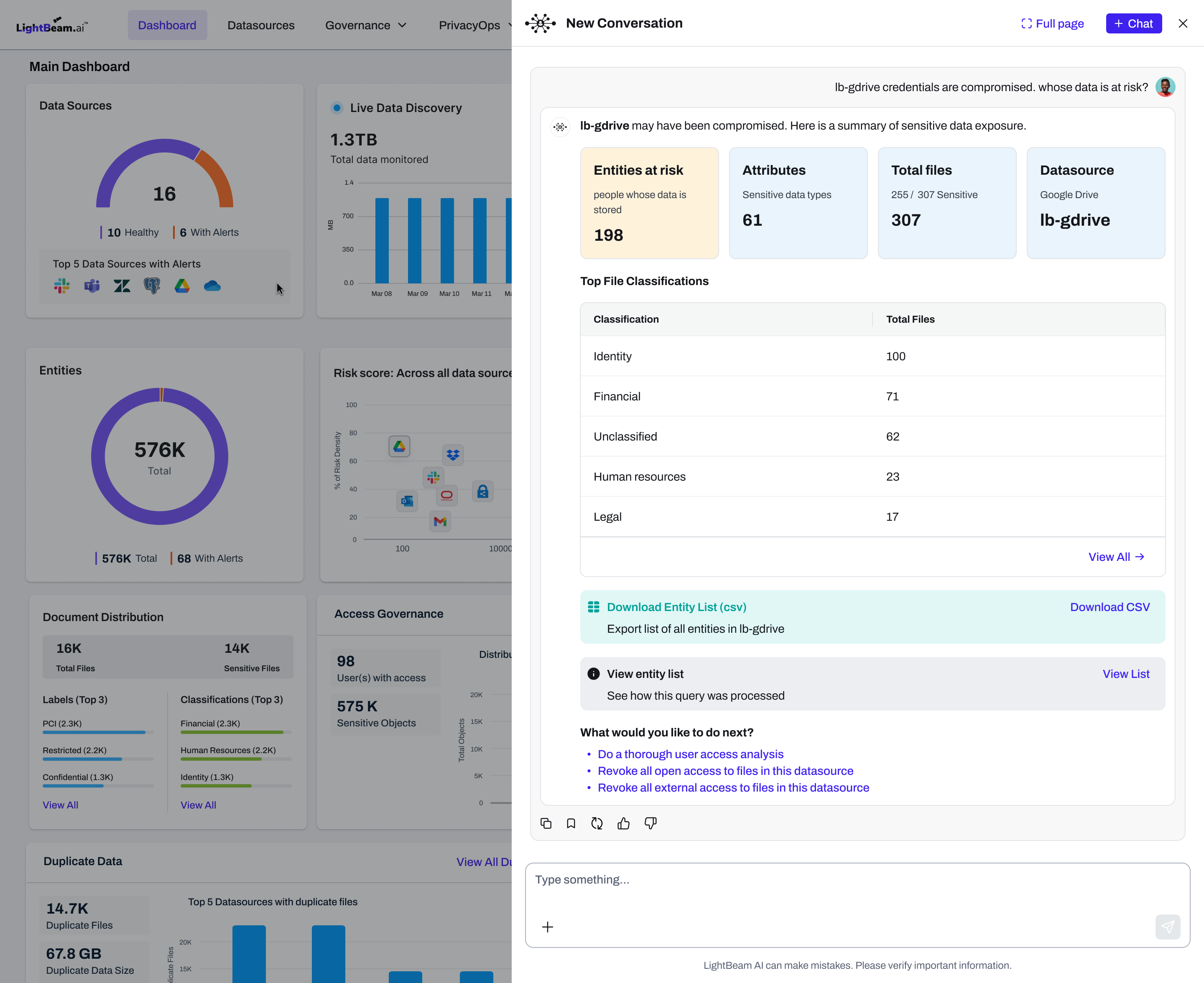
How a complex query response should ideally look
See it in actionFour things users can ask
01 / QUERY
Time-critical queries
“John’s account has been breached. What is at risk?”
Answers urgent questions fast, with follow-up suggestions and actions.
02 / GUIDE
Guided complex flows
“I want to archive old files.”
Configures a policy with smart defaults, replacing a 4-step wizard.
03 / FOCUS
Daily priorities
“What should I focus on today?”
Prioritises tasks for users overwhelmed with data.
04 / SUMMARISE
Lay of the land
“How has my environment changed?”
Summarises what was added or deleted, across millions of files and hundreds of users.
OutcomesWhat I delivered
Response design systemA complete UX pattern library for AI responses including 5-layer answer anatomy, 12 block types, rules for when to show text vs. tables vs. charts. Ensures consistency across every interaction.
Production-ready PRDFull product spec covering interaction flows, component specs, edge cases. Engineering could pick this up and build.
Demo-ready prototypeSimulated LLM behavior but wired to real APIs. Live data in responses, some actions actually executing (reports, access reviews). Used for conference and sales demos and investor conversations.
Sales enablement packageDemo guide with exact prompts, sequences, and talking points by audience. Sales could demo confidently without design support.